Stop Hackers: How to Secure Your Home Wi-Fi Network
Between the smart thermostat keeping your living room cozy and that robotic vacuum keeping the floors tidy, your home is likely busier than ever. It’s October, and while we’re busy picking out pumpkins and prepping for cooler weather, it’s also the perfect time to give your home network a little safety check.
Did you know the average household now manages over 20 connected devices? While these gadgets make life easier, they often come with a hidden flaw: weak security. Most smart bulbs, cameras, and fridges aren't built with the same protection as your laptop. If a hacker finds a way into your smart doorbell, they don't just see who's at the door—they could potentially jump onto your network to access your home office computer or banking accounts.
Why Your "Smart" Devices Are Potential Backdoors
Many of these devices ship with default passwords like "admin" or "1234." Once they are connected to the same Wi-Fi as your business laptop, they become a bridge for bad actors to crawl through. This is how ransomware can sneak onto your primary devices. The good news? You don't have to throw your smart devices in the trash to stay safe.
The Simple Fix: Network Segmentation
The secret is a technique we call "segmentation." Think of your Wi-Fi network like a house with locked rooms. Instead of letting every device roam freely through the whole property, you can put your vulnerable smart gadgets into their own separate area.
- The Main Network: This is for your trusted devices—your work laptop, your family’s main desktop, and any device where you log into sensitive bank or business accounts.
- The IoT/Guest Network: This is where you connect the "fun" stuff. Your smart speakers, light bulbs, video cameras, and your guests' phones go here. If a smart plug gets compromised, it’s stuck in its own digital hallway, unable to reach your important work documents or financial files.
How to Get It Done Without the Headache
Most modern routers make setting up a "Guest Network" incredibly easy. Once enabled, you simply move your smart home gadgets to that network and leave your work computer on your main, private connection. It’s like installing a deadbolt on the door between your office and the rest of the house.
Beyond segmentation, we always recommend a few other best practices to keep your home business running smoothly:
- Update Firmware: Just like your phone gets updates, your smart devices need them too. Check the apps for your devices and click 'update' whenever you see it.
- Change Default Passwords: Never leave a device on the factory-set password. Use a unique one, even for a smart bulb.
- Stay Educated: Phishing attempts and fake emails are evolving. Knowing how to spot a suspicious link is the best defense for your household.
Let Us Help You Secure Your Digital Front Door
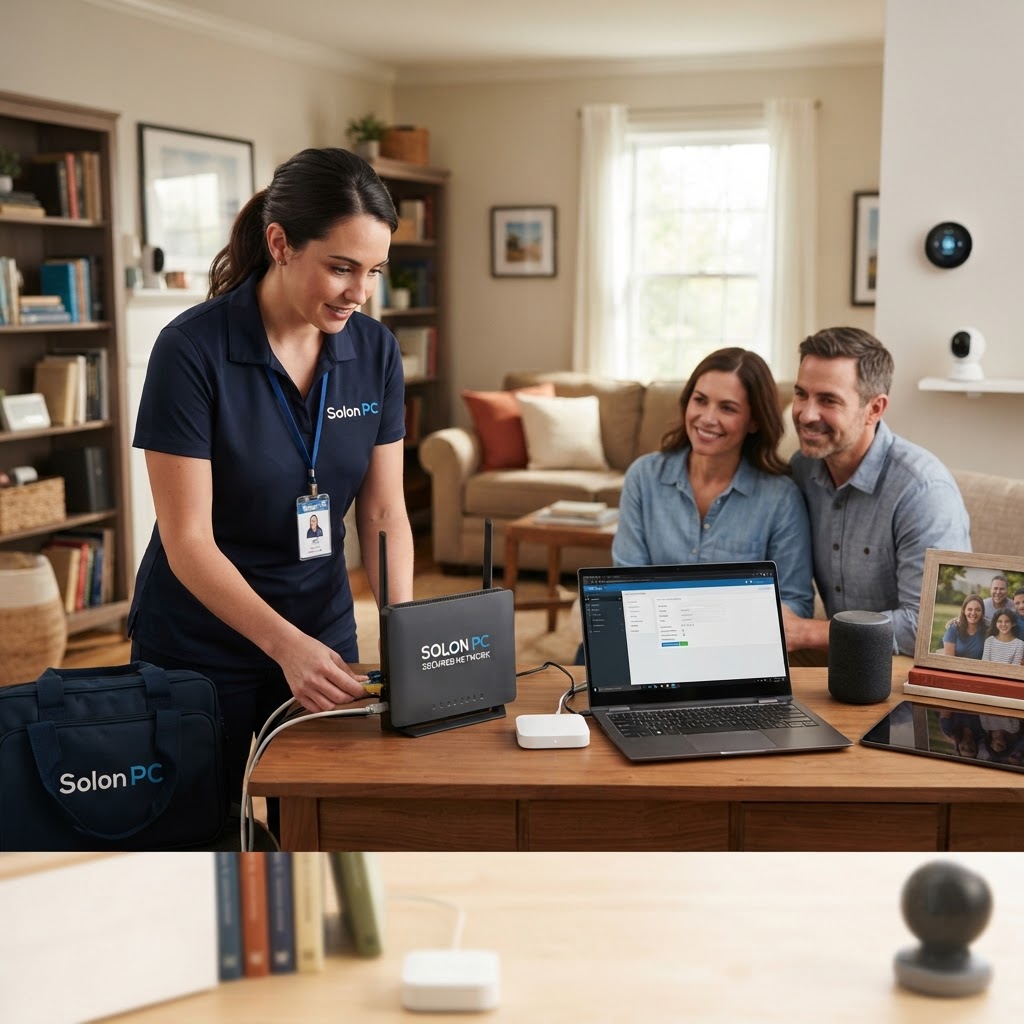
We know that technology should make your life easier, not more complicated. For over 30 years, Solon PC has been helping neighbors in Solon, Ohio, get the most out of their tech without the jargon or the stress. Whether you need help setting up a secure network, protecting your business data, or just want some honest advice on your home setup, we’re here to help.
We offer comprehensive Cybersecurity Solutions and IT Consulting Services designed specifically for families and small businesses. Don't leave your digital security to chance this fall. Give us a call at 440-349-5555 or reach out through our contact page and let’s make sure your home network is as safe as it is smart.