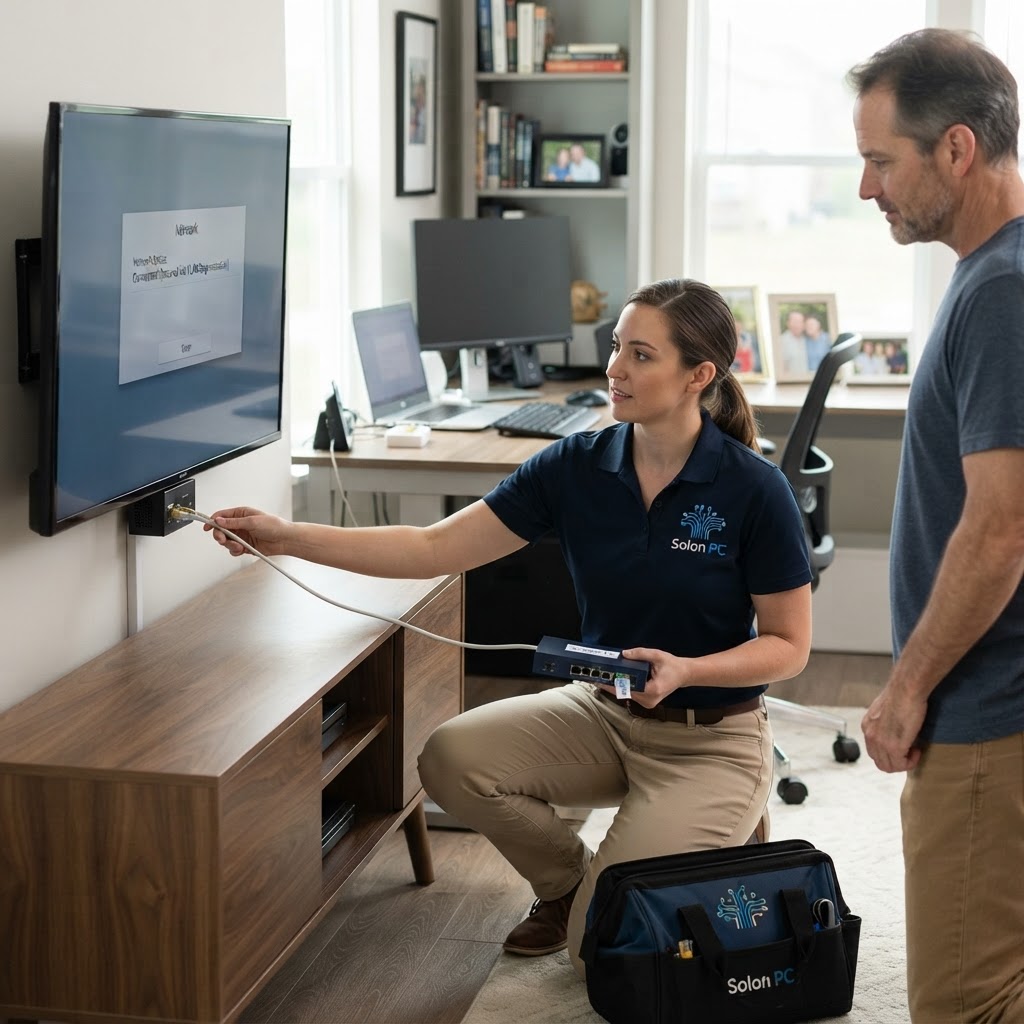
Smart TV Security: Isolate Your Devices to Stay Safe
October is officially here, and that usually means cozy nights on the couch binge-watching our favorite shows. But while you’re enjoying a movie, there’s a quiet risk sitting in your living room that often goes unnoticed: your Smart TV.
Most of us think of our TV as just a screen, but it’s actually a computer that’s connected to the internet 24/7. Recent reports have shown that hackers are finding ways to take control of these devices, using them as a “backdoor” to sneak into other parts of your home network. If you run a home-based business or handle sensitive financial information on your laptop, this is a real concern. If a hacker compromises your TV, they could potentially leap across your network to access your work files or personal banking details. We call this a “lateral attack,” and it’s why we’re helping families across Solon update their security setups this month.
Why Your TV is a Target
Unlike your office laptop, your Smart TV doesn’t get regular, robust security updates. Once a manufacturer stops supporting an older model, the TV stays on your network as a wide-open window for bad actors. If a hacker gets into that TV, they don't necessarily want your Netflix password; they want the connection to the rest of your house.
Think of it this way: your home network is like a building. You wouldn't want the delivery person to have a key to every single office, the server room, and the supply closet, would you? By letting your TV sit on the same network as your business computers, you are effectively giving it a key to everything.
The Simple Fix: Network Isolation
The best defense is to put your streaming devices on their own digital island. Most modern routers allow you to create a “Guest” network or an “IoT” (Internet of Things) network. When you move your TV, smart speakers, and doorbell cameras to this separate segment, they can still access the internet, but they can’t “see” your primary computers or sensitive business data.
It’s a straightforward move that makes a massive difference in your cybersecurity. If a device on the guest network gets compromised, the “wall” between it and your office PC stays strong, keeping your hard work safe.
Tips for a Safer Home Network
- Use the Guest Feature: Log into your router settings and enable the Guest Wi-Fi. Move all your “smart” gadgets—TVs, fridges, and lightbulbs—onto that network.
- Keep Software Current: If your TV prompts you for a firmware update, don’t hit “remind me later.” Run it immediately.
- Turn Off Unused Features: If your TV has a built-in camera or microphone that you don’t use, disable those settings in the menu.
- Professional Guidance: If you feel overwhelmed by router settings or want to make sure your home-office setup is truly airtight, we’re here to help. Whether you are in Solon or over in a neighboring town like Chagrin Falls, we handle the technical heavy lifting so you don’t have to.
We know that navigating the world of tech can feel like a headache. That’s why we’ve spent over 30 years providing IT support in Solon with a focus on clear, friendly guidance. We don’t believe in confusing jargon; we believe in helping you protect your family and your livelihood.
If you’re worried about your home network security or just want to make sure your business-class email and backups are properly configured for the season, we’d love to chat. You can reach out to our team at Solon PC by visiting our contact page or giving us a call at 440-349-5555. Let’s make sure your digital home stays as cozy and secure as it should be.