Smart Home Security: Why You Need to Segment Your Wi-Fi
Between the crisp autumn air and the changing leaves here in Solon, October is a time when many of us are settling into our home offices and getting cozy. But while we’re busy preparing for the season, our smart devices are working overtime. From video doorbells that track our deliveries to robotic vacuums keeping the floor tidy, the average household now has over 20 devices connected to the Wi-Fi.
It’s incredibly convenient, but there is a hidden catch. Many of these "Internet of Things" (IoT) gadgets aren't built with the same security standards as your laptop or work computer. Often, they ship with weak default passwords or software that hasn't been updated in years. If a hacker finds a way into your smart lightbulb, they don't just stop there. That device can act as an open door, letting them "pivot" into your main network to reach your personal files, financial accounts, or your home-based business data.
The Virtual Fence: Why Segmentation Matters
Think of your home network like your house. You wouldn't give a stranger who delivers a package the keys to your home office, your safe, and your bedroom. Yet, by keeping all your devices on one single Wi-Fi network, that’s exactly what you’re doing with your data.
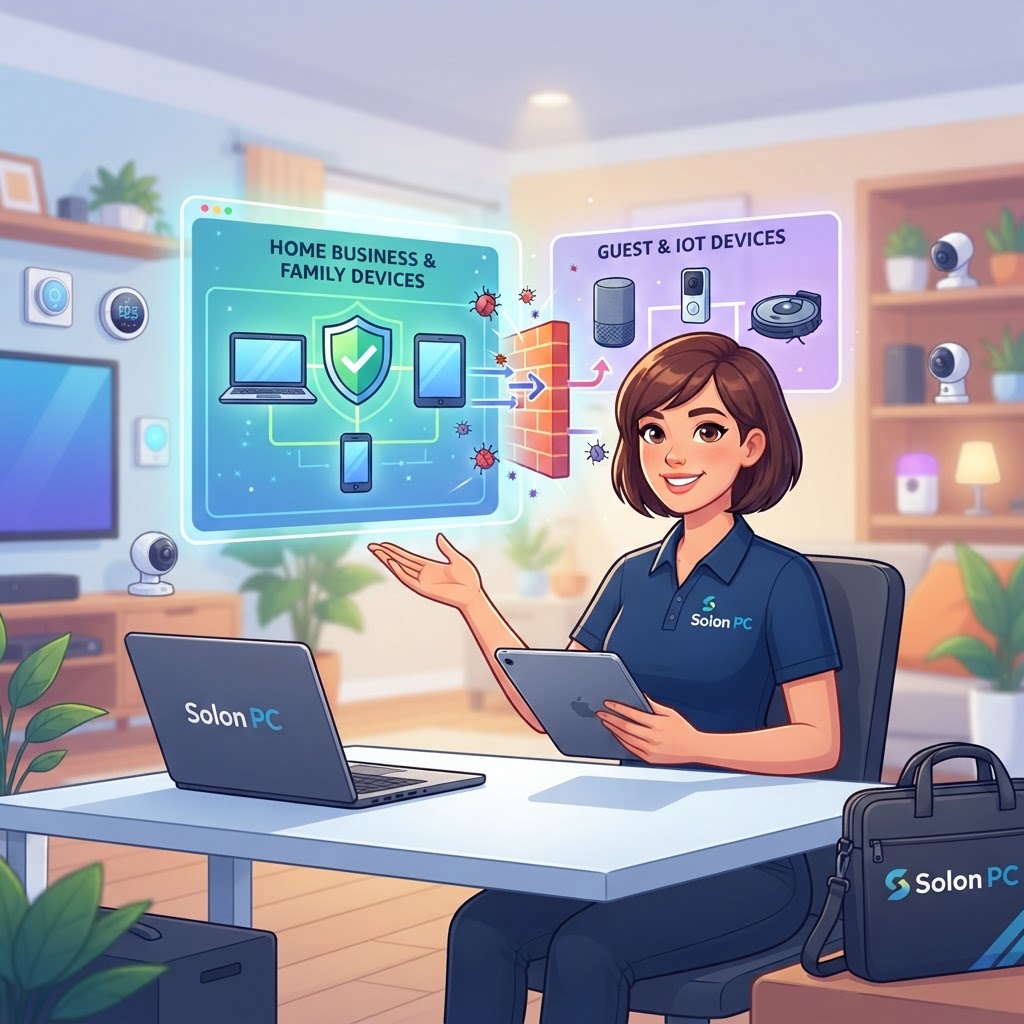
Network segmentation is the digital version of putting a lock on your office door. By creating a separate network—often called a "Guest" or "IoT" network—you effectively isolate your smart devices from your primary computers. If a hacker gains access to your camera, they’ll find themselves trapped in that separate segment. They won't be able to "see" or jump across to the computer where you handle your business emails or banking.
Simple Steps to Secure Your Setup
You don't need a degree in engineering to make your home safer. Here are a few ways to start protecting your digital space:
- Enable Guest Access: Most modern routers have a built-in "Guest" mode. This creates a separate tunnel for internet traffic that doesn't talk to your main devices. Move your smart TVs, speakers, and appliances here.
- Update Everything: If a device doesn't have an update available, it might be time to replace it. Old, abandoned technology is a playground for cyber threats.
- Change Default Credentials: If you bought a new plug or camera, change that default "admin" password immediately. It’s the first thing hackers guess.
Why Local Support Makes a Difference
We know that balancing a business and family life in Solon is busy enough without having to worry about router configurations. For over 30 years, Solon PC has helped neighbors navigate the changing landscape of technology. Whether you need help setting up a secure Cybersecurity Solution for your home office or want to learn how to keep your family safe through Security Awareness Training, we’re here to take the stress off your plate.
Technology should make your life easier, not more complicated. When you have a dedicated partner handling your Managed IT Services, you can get back to enjoying the season, confident that your digital front door is locked tight.
If you're ready to secure your home network or just have a few questions about your current setup, we’d love to chat. You don't have to tackle the world of cybersecurity alone. Give us a call at 440-349-5555 or visit our contact page to get started with some clear, jargon-free IT Consulting Services.