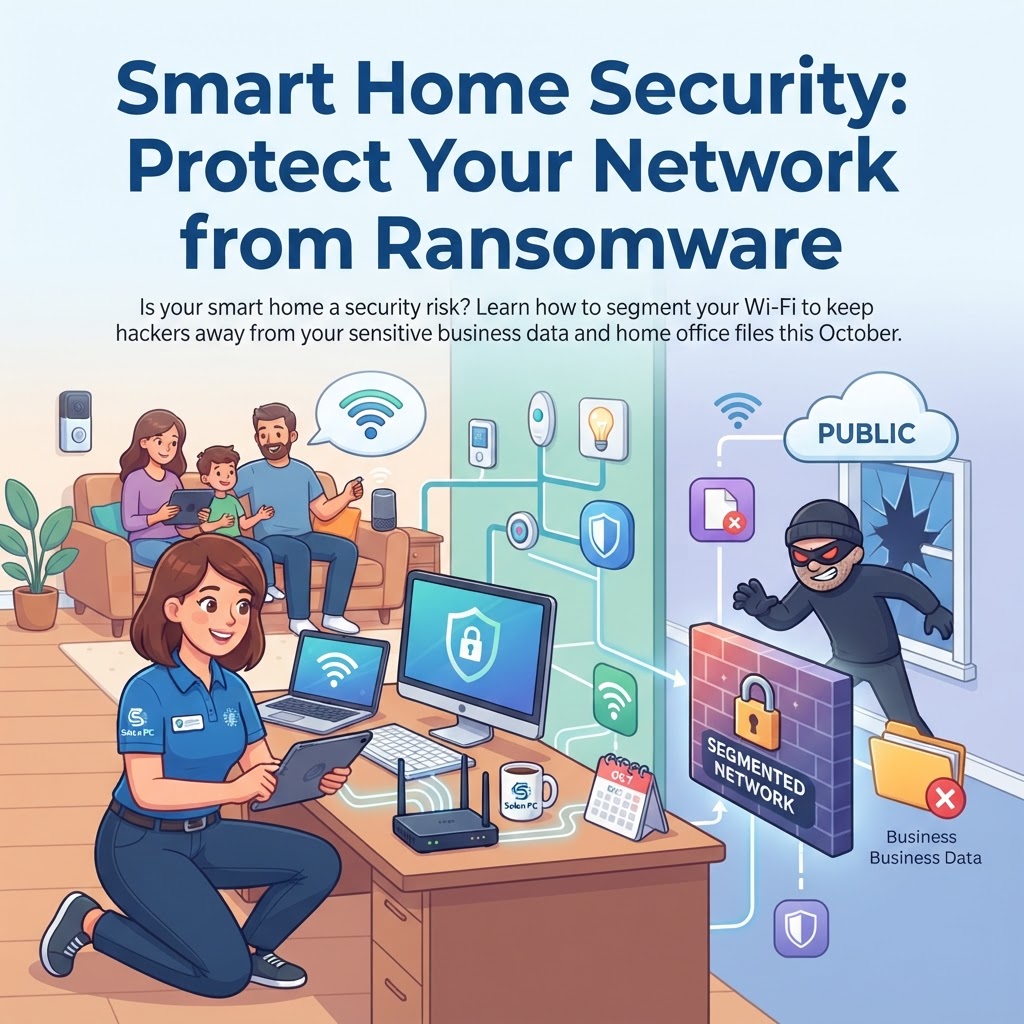
Smart Home Security: Protect Your Network from Ransomware
October is here, and with the cooler weather settling over Solon, we’re all spending a bit more time tucked away inside. Whether you’re running a business from your home office or just keeping the family connected, your home network is working harder than ever.
Between the smart thermostats, video doorbells, and even that robotic vacuum you bought on sale, the average home now has over 20 devices connected to the Wi-Fi. It’s convenient, sure, but it’s also a bit like leaving the back door of your house unlocked. Because many of these "Internet of Things" (IoT) gadgets aren't built with heavy-duty security in mind, they can accidentally become an open window for digital intruders looking to get at your home-office PCs and personal financial accounts.
Why Your Toaster Might Be a Security Risk
Think about it: when you set up that new smart bulb, did you change the default password? Probably not. Hackers know this. They look for these low-security devices to gain a foothold on your network. Once they are inside, they can "pivot"—meaning they move from your smart speaker to your main computer. If you have sensitive client files for your small business or family bank records on that machine, you could be setting yourself up for a ransomware headache.
This isn't just about losing access to a device; it’s about protecting your digital front door. A homeowner in Aurora recently found out the hard way that a compromised security camera was actually being used as a gateway to probe their network for passwords. Thankfully, there is a simple, effective fix.
Segmenting: Your Digital Deadbolt
The best way to handle this is through network segmentation. You don't need a degree in engineering to do it, either. Most modern routers allow you to create a "Guest" network or an "IoT-specific" network.
Think of it as building a fence through your Wi-Fi:
- The Main Network: Use this only for your work computers, tablets, and phones where you handle sensitive information.
- The IoT/Guest Network: Move everything else here. If your video doorbell or smart fridge gets hacked, the intruder is stuck on that side of the fence. They can’t "jump" over to your main PC because the networks are kept separate.
A Little Proactive Care Goes a Long Way
Beyond setting up a separate network, here are three quick things you can do this week to tighten your security:
- Update Your Firmware: If a device has an app, check for updates regularly. Manufacturers release these to patch the holes that hackers love to exploit.
- Change the Defaults: If you can change the login name and password for your devices, do it. Use a unique password for everything.
- Get Expert Eyes on Your Setup: If you aren't sure how to configure your router, or you’re worried your business setup isn't quite as secure as it should be, we’re here to help. Our IT consulting services are designed to provide clear, jargon-free guidance tailored to your specific budget and home layout.
We’re Here to Help You Stay Safe
For over 30 years, our team has been helping families and small businesses throughout Northeast Ohio stay ahead of digital threats. Whether you need help setting up a secure network, require robust cybersecurity solutions, or just want peace of mind, Solon PC is just a call away. Don't wait until something goes wrong to check your network security.
Give us a ring at 440-349-5555 or visit our /contact page to start a conversation today. Let’s keep your home and your business running smoothly and securely this season.