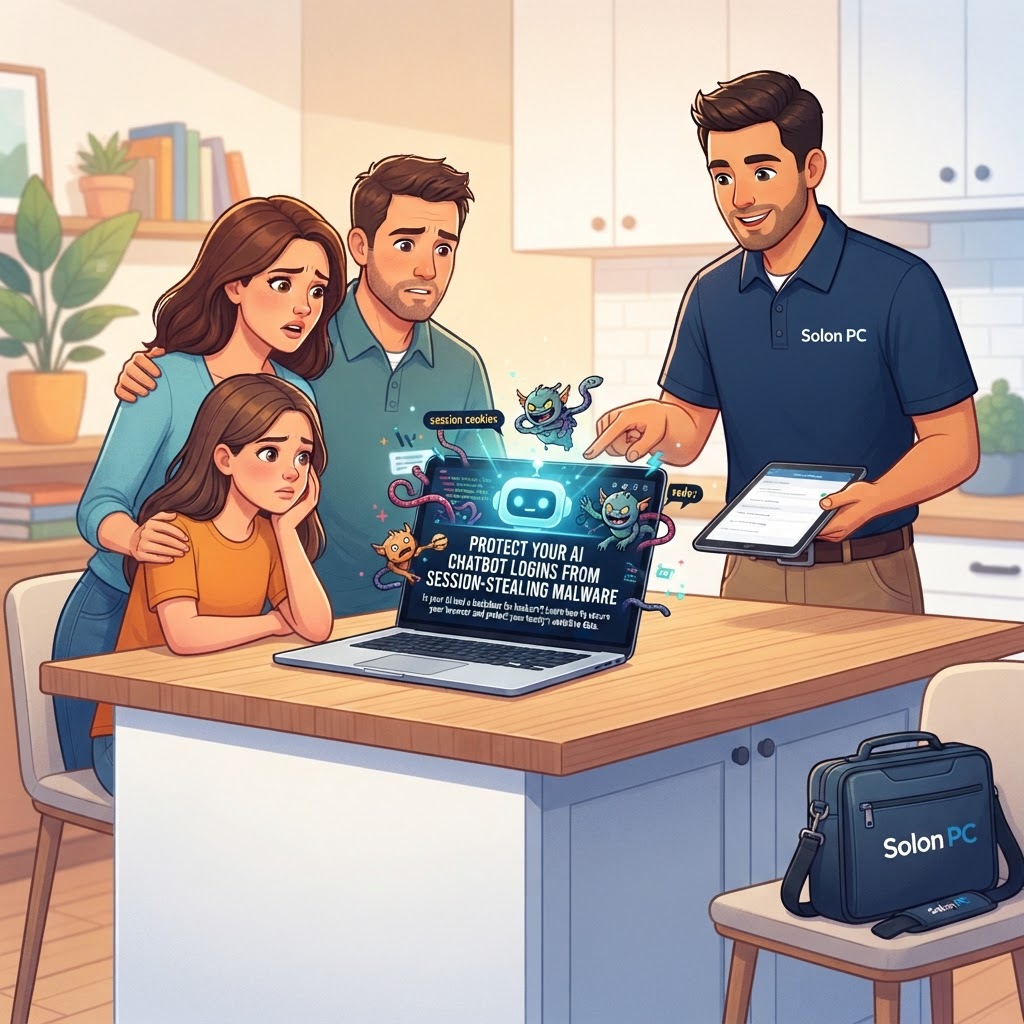
Protect Your AI Chatbot Logins From Session-Stealing Malware
October is here, and while we’re busy picking out pumpkins in Solon, there’s something else creeping around that’s a bit less festive: a rise in “session-stealing” malware. You’ve likely been using AI chatbots to help with work emails, school projects, or organizing family schedules. These tools are amazing, but hackers have figured out that these accounts are goldmines for sensitive information.
What Exactly is a "Session Token"?
Think of a session token like a digital key to your house. When you log into your favorite AI chatbot, your browser saves a small piece of data—the token—so you don't have to type your password every single time you open the tab. It keeps you “logged in.”
Unfortunately, cybercriminals are using clever malware to sneak into your computer, copy that “key,” and use it to enter your account from their own device. Because they have your active token, they don't even need your password. They can walk right in, view your private conversation history, and sometimes even drain your paid credits.
Why Your Home Office Needs to Stay Alert
We recently helped a small business owner in Chagrin Falls who was confused as to why their AI account suddenly had thousands of strange queries in the history. It wasn't a glitch; it was a session-stealing attack. If you use the same browser for your home business tasks and personal web surfing, you’re putting both worlds at risk.
Whether you are running a business from your kitchen table or just helping your kids with research, these simple steps can help keep your digital doors locked:
- Clear Your Cookies Regularly: Think of this as taking out the trash. Periodically clearing your browser’s cache and cookies forces your accounts to issue new tokens, effectively “changing the locks” on your digital doors.
- Use a Hardware Security Key: Instead of relying on text message codes, a small USB security key provides a physical layer of protection that malware simply cannot bypass.
- Be Picky About Plugins: That handy browser extension that promises to “supercharge” your AI experience might actually be the malware spying on your browser profile. If you don’t recognize it, remove it.
- Update Everything: Your browser and operating system release updates specifically to patch these kinds of security holes. If you see an “Update Available” notification, don't hit snooze—hit install.
Strengthening Your Digital Perimeter
Security isn’t just about having the right software; it’s about having a plan. At Solon PC, we’ve spent over 30 years helping families and local businesses navigate the evolving landscape of online threats. From setting up Cybersecurity Solutions that guard your home network to providing Security Awareness Training for your whole household, we make sure you aren't leaving any windows open for hackers.
If you’re worried that your devices might be compromised, or if you just want to make sure your home-office setup is as secure as it can be, you don't have to figure it out alone. You can reach out to us here or give us a call at 440-349-5555. Let’s make sure your family stays safe online while you enjoy everything this beautiful autumn in Ohio has to offer.
Whether you need help with a quick fix or a complete IT consulting overhaul, our team is here to provide the friendly, reliable, and jargon-free IT support Solon has trusted for decades.